Kotojutsu on Android
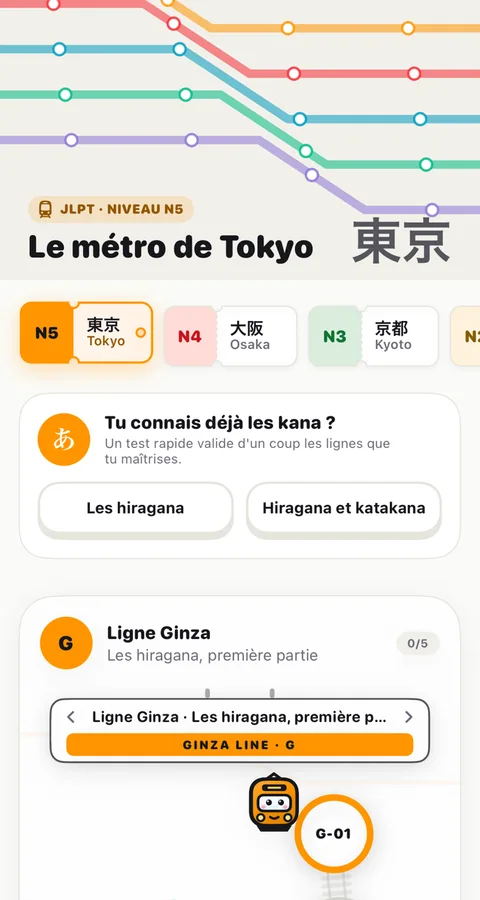
The free app to review your Japanese at a swipe, with the same account and the same progress as on the site. It is in closed beta on the Google Play Store: anyone can join, it takes two minutes.

Beta · Google Play
Join the beta in three steps

Scan this code with your Android phone
It opens the steps on your phone. You can also do steps 1 and 2 here, signed in with the same Google account as your phone, then install the app from your phone's Play Store.
1Join the testers' group
With your phone's Google account, the one used by the Play Store. Tap "Join group".
Open the Google group2Become a tester
Once you are in the group, open the test page and tap "Become a tester".
Become a tester3Install the app
On the Play Store page, tap "Install", then sign in with your Kotojutsu account.
Open the Play Store
The order matters. Without the group, the test page and the Play Store stay closed. And you need the same Google account for all three steps.
Got an iPhone or an iPad?
The iPhone and iPad app is on the App Store, free. Same account, same progress.
Had the app downloaded from the website?
The Play Store version is a separate app: it installs next to the old one, without replacing it. Nothing is lost though, your progress is on your account.
- Join the beta and install the app as explained above.
- Sign in with your usual account: lessons, reviews, streak and XP are all there.
- If you had the evening reminder, turn it back on in the new app's Settings.
- Uninstall the old one (long press on its icon, then "Uninstall"), so you don't have two Kotojutsu apps.
New features now arrive through the Play Store, and updates install on their own.
Why a closed beta?
Google asks for a new app to be tested for a few weeks by a group of testers before it can be released to everyone. By joining the beta, and keeping the app installed, you help Kotojutsu get officially released on the Play Store.
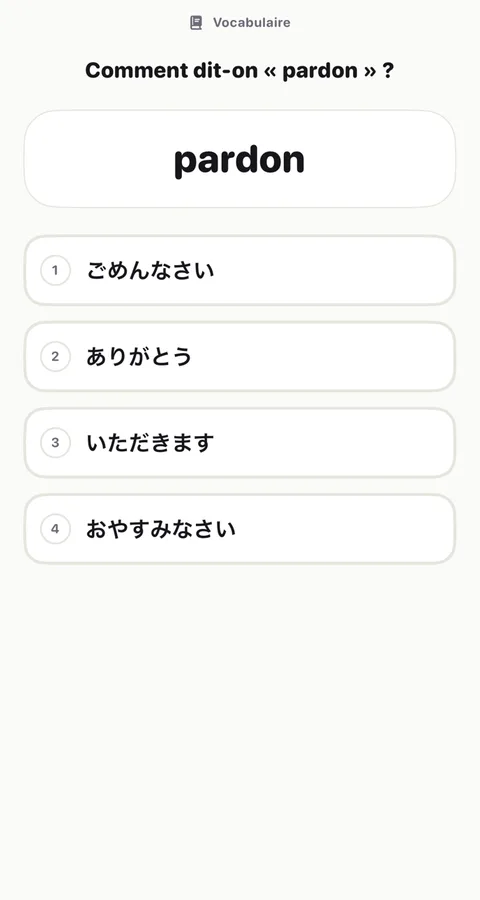
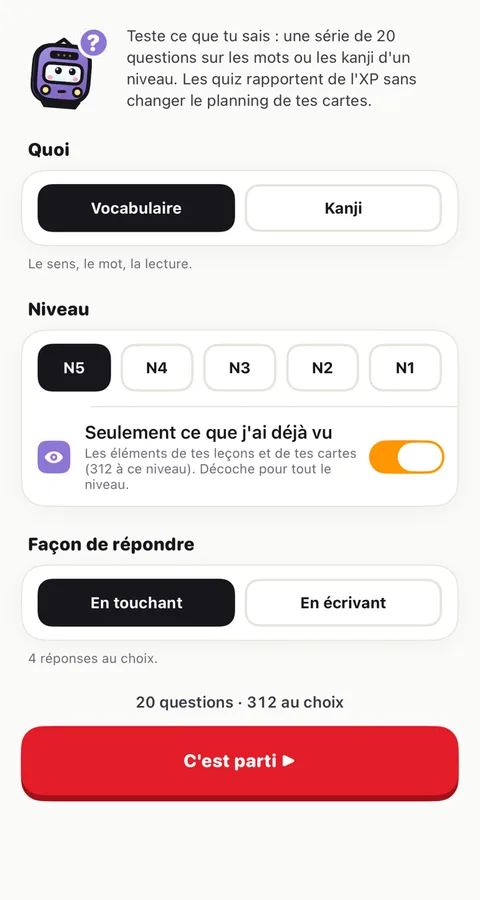
The app is complete: the journey, reviews, flashcards, kana and kanji to trace, practice exams, evening reminder. A bug, an idea? The \"Report a problem\" flag in the app, or the Discord.
Stuck?
- The test page says the app is not available
- You are not in the group yet, or not with the right account: you need the same Google account for the group, the test page and the Play Store. If your phone has several accounts, pick the right one at the top right of the page. Right after joining the group, it can take a few minutes.
- I can't find Kotojutsu by searching the Play Store
- That's normal during the beta: the app doesn't show up in search. Use the step 3 button, once the first two are done.
- It still doesn't work
- Tell us on the Discord and we'll sort it out together. Meanwhile, Kotojutsu works very well in Chrome, with the same account and the same progress: open the dojo.
What it asks for
- Internet : load your lessons and save your progress.
- Vibration : the little vibrations for right and wrong answers.
- Notifications : your evening reminder, if you turn it on.
So that the reminder survives a restart, it can also start when the phone boots. Never your contacts, photos, microphone, camera or location.